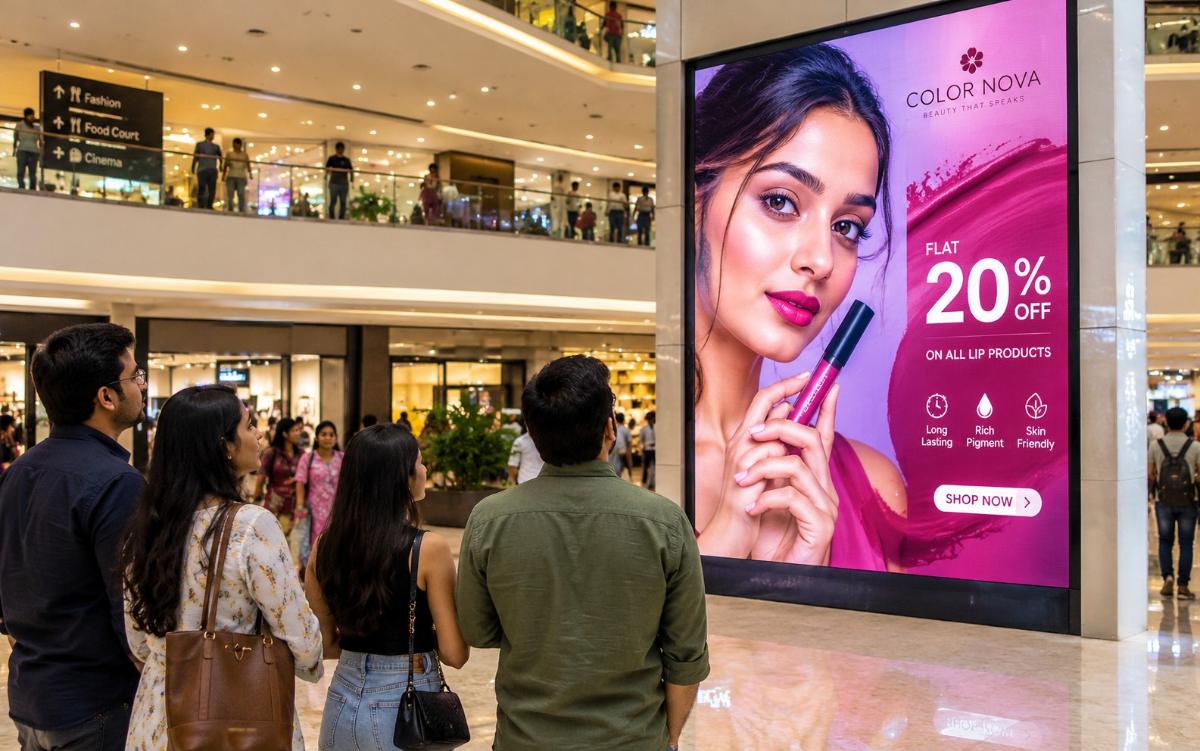
Secure digital signage software for multi-location brands

One platform. Every screen. Every location.

Still updating every outlet with a pen drive? Manage menus, promotions and announcements from the ScreenZap dashboard. Change it once and every screen updates. We train your team and support you on WhatsApp.

Security trusted by banks: role-based access, one-time pairing codes and offline playback.
2,800+ screens 16 brands 850+ locations
Running 2 to 20 outlets? See ScreenZap for growing chains →
Trusted by 16 brands on 2,800+ screens across restaurants, banking, healthcare, retail and DOOH
Super Sandwich logo
Coffee King logo
Oxy Burger logo
The Waffle Co. logo
Taranovas logo
USPFC logo
Martinoz logo
Nakarani Jewellers logo
Ivana Jewel logo
Eyesark, Surat logo
Read the case studies →
BRANDS AND CHAINSI run stores, outlets or branchesCampaigns, menus and notices across every location from head office.See solutions → REGULATED ENTERPRISEI need IT and security sign-offAccess control, device security, on-premises hosting and procurement paperwork for banks and hospitals.Visit the trust center → CHANNEL PARTNERSI install screens for clientsAV integrators, dealers and agencies: manage client screens on ScreenZap or white-label it as your own.See the partner program →
How it works

Go live in every outlet from one upload

Start with a pilot in a few outlets. Every new screen pairs with a six-digit code, so rollout is the same in the hundredth outlet as in the first.
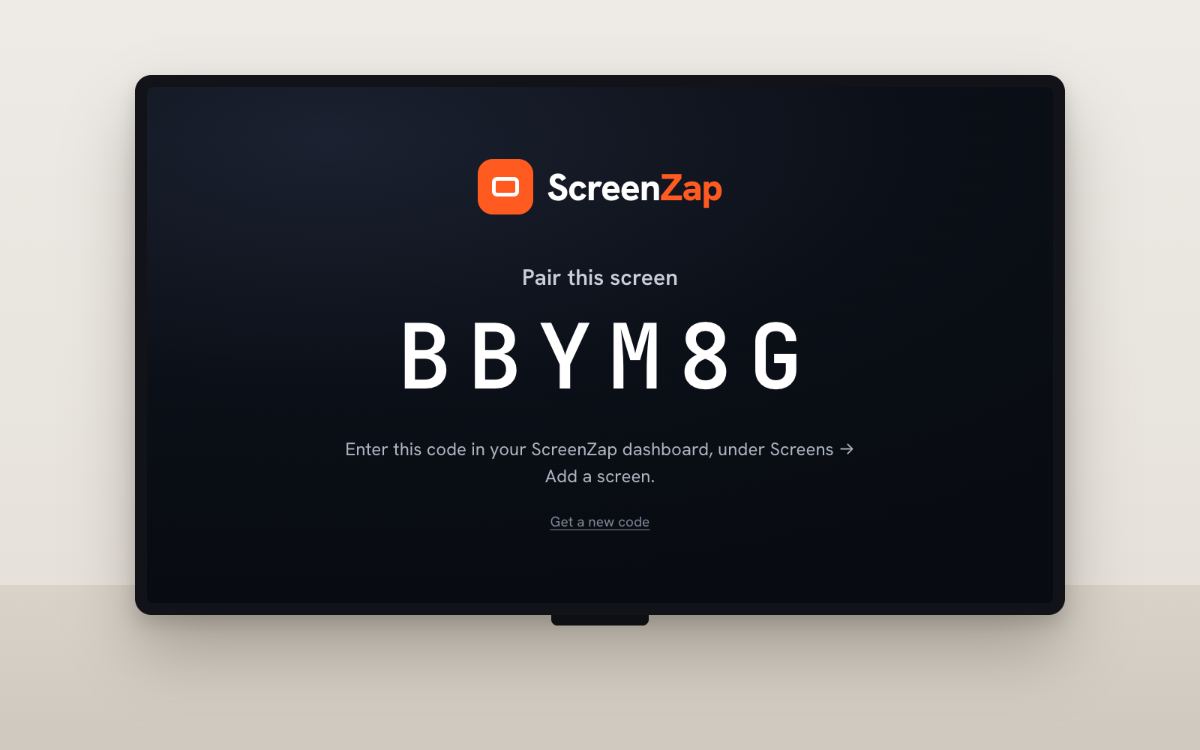
TV showing the ScreenZap pairing code
STEP 01

Pair the screen

Use a Samsung, LG or Android smart TV, Fire TV or Windows device. Enter the six-digit code it shows into your dashboard.

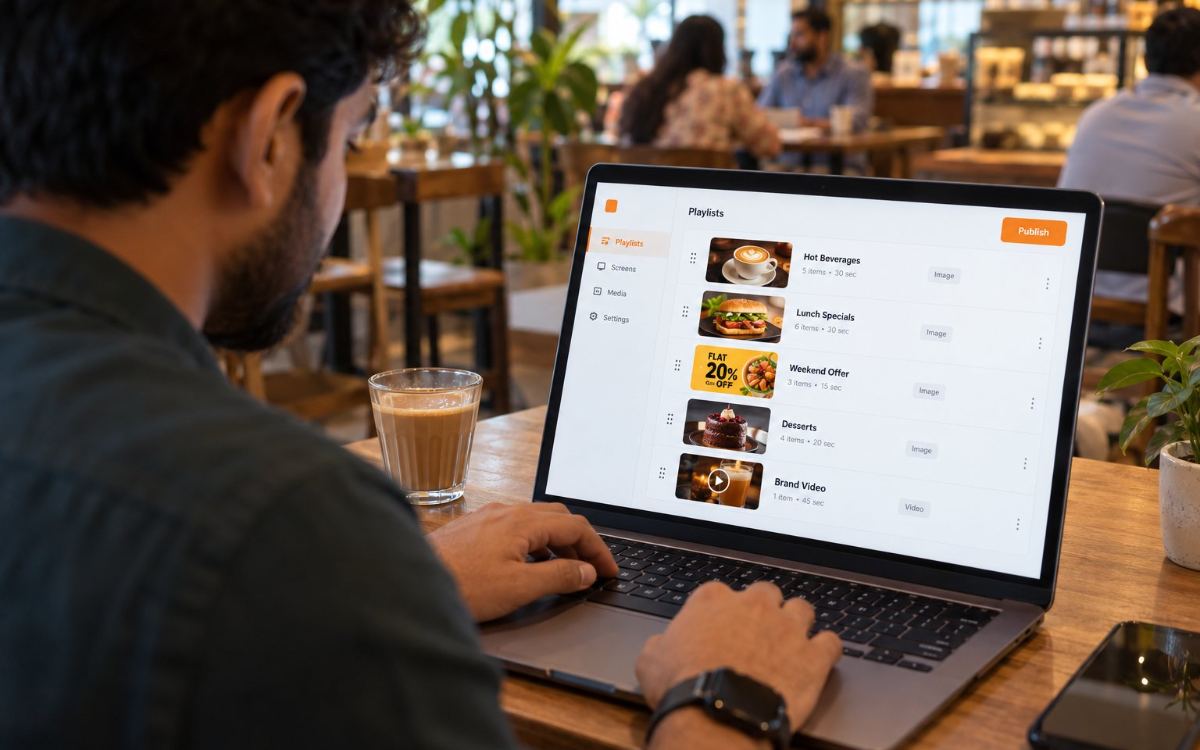
Building a playlist on a laptop
STEP 02

Add your content

Upload images, video and PDFs, or add web pages and dashboards as links. Arrange them into playlists or multi-zone channels.

Finished screen running content above a counter
STEP 03

Schedule and publish

Set what plays by day, hour and date range. Publish once and every assigned screen updates within seconds.

Central control

Head office runs the brand. Outlets run what you allow.

Everything below is live in the product today.

Explore all features →
Available

Roles by region and outlet

Set view, create, edit, delete and cast rights per module. Professional adds custom roles for regional and outlet managers.

Available

Screen groups at any level

Group screens by city, region, store format or floor, and publish to a whole group in one action.

Available

Brand campaigns from head office

Build the campaign once and schedule it for every outlet by date range, daypart and group.

Available

Asset visibility controls

Decide which teams can see and use each asset, with “uploaded by” tracking on every file.

New in ScreenZap

Check it, turn it, publish it

See content exactly as it will play, set each screen’s rotation from the dashboard, and run it on the smart TVs you already own.

Book Free Demo

Content preview

Play any playlist or multi-zone channel before you publish, and see what each screen is showing now.

How it works →

Manual screen rotation

Mounted a TV in portrait? Set the rotation per screen and content plays upright, no TV menu needed.

How it works →

Works on every smart TV

Samsung, LG, Android TV, Google TV and Fire TV on one dashboard. Older TVs join with an Android player.

Setup guide →
WITH A PEN DRIVE

Copy the file, travel to every outlet, plug it in, hope it plays. No way to know which screen still shows last month’s offer.

WITH THE SCREENZAP DASHBOARD

Upload once, publish to every outlet in seconds and see what each screen is playing. Still updating every outlet? →

Fleet view

Know which screens are working without calling the outlet

Every player reports in. Filter by city, region or store format and see what is offline before a customer notices.
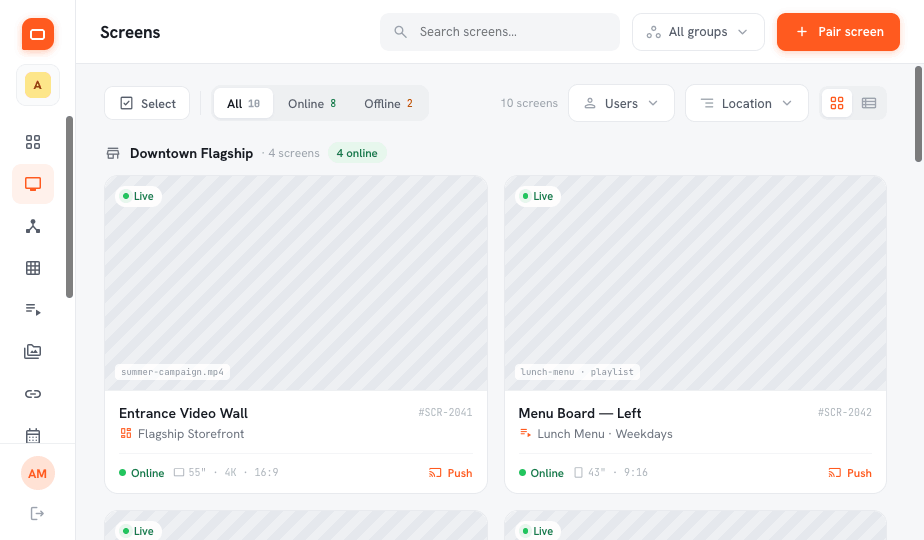
Online status and last seen
Spot players that have dropped off, across every location.
What is playing now
Check the live content on any screen from head office.
Offline playback
On Professional, screens keep playing downloaded content when the connection drops.
Geo-tagged screens
Every screen is tagged to its outlet, so filters match your store list.
app.screenzap.io / screens
ScreenZap screens list showing online status, last seen time and the content playing on each screen
Case studies

From 15 stores to 335 branches

All case studies →
Cooperative bank digital signage
Banking & financial institutions

Cooperative bank: 670 screens across 335 branches

335Branches 670Screens
Read the case study →
Multi-specialty hospital group digital signage
Healthcare & hospitals

Multi-specialty hospital group: 300+ screens across 7 hospitals

7Hospitals 300+Screens
Read the case study →
Fashion retail chain digital signage
Fashion & lifestyle retail

Fashion retail chain: 180 stores. 540 screens. One consistent brand experience.

180Stores 540Screens
Read the case study →
Customers

What our customers say

No more pen drives
We used to update the screens at all 14 outlets with pen drives. Now we publish once from head office, and it saves our team around two days every month.
Oxy Burger logo
Priyank Vekariya Oxy Burger
Menu upselling
Showing add-ons and combos on our menu screens has increased upselling at the counter.
Super Sandwich logo
Manan Sarvaiya Super Sandwich
Proof of play
We manage 300+ screens with ease, and we share proof-of-play reports directly with our clients.
Eyesark logo
Shrut Goyani Eyesark
Screen split
Screen split lets us run two videos on a single screen, and menu updates are simple to publish.
Martinoz logo
Hardik Goswami Martinoz
Live screen health
Managing our screens is much easier now. Live screen health shows us the status of every screen without calling the outlet.
Coffee King logo
Mitesh Diyora Coffee King
Phone control
I can update any promotion across all our outlets directly from my phone.
Taranovas logo
Aryan Jasoliya Taranovas
Solutions

One platform for every industry that runs screens
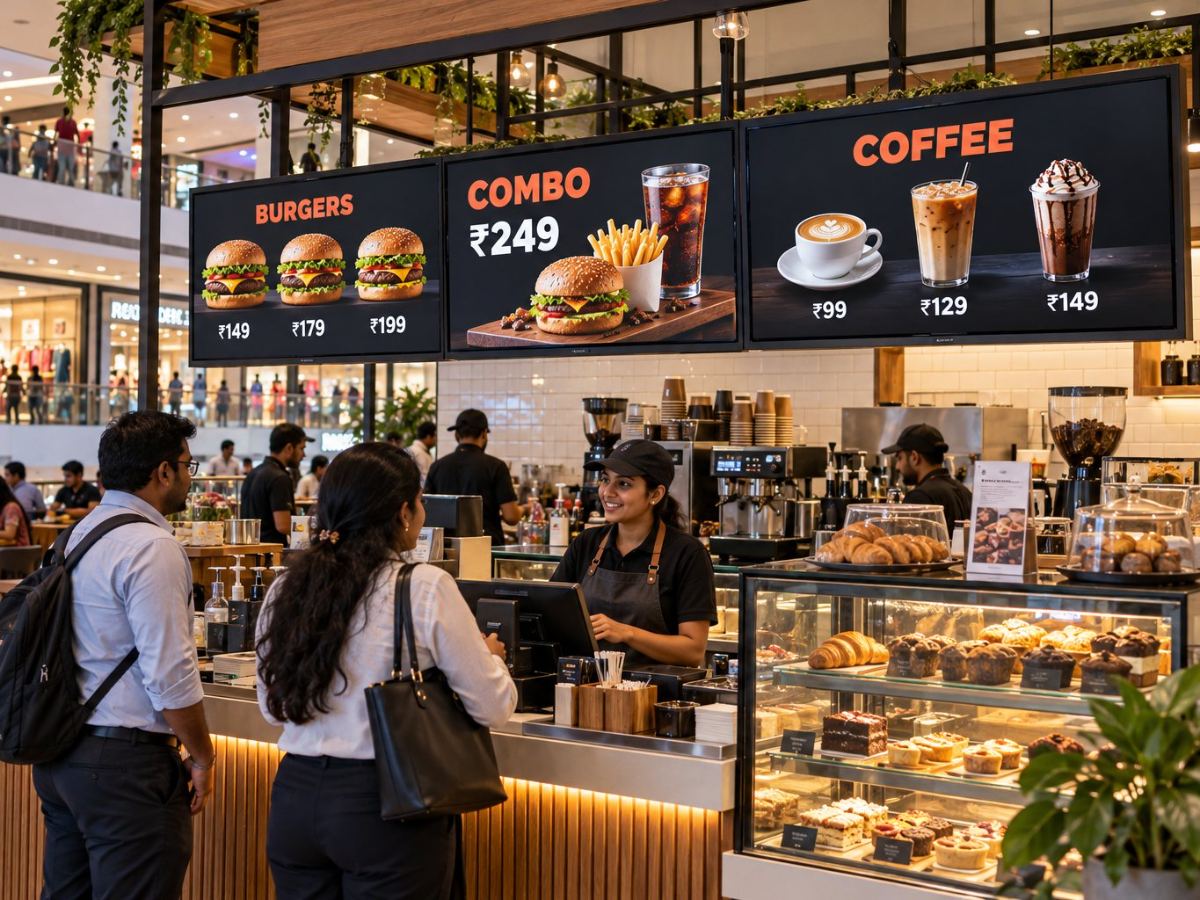
QSR, café and restaurant chains
01 / 06

QSR, café and restaurant chains

THE PROBLEM

A price changes and 40 menu boards stay wrong until someone visits each outlet.

WITH SCREENZAP

Change a price once and every menu board updates in seconds. Menus switch for breakfast, lunch and dinner on their own.

See QSR and cafés →
Jewellery showrooms
02 / 06

Jewellery showrooms

THE PROBLEM

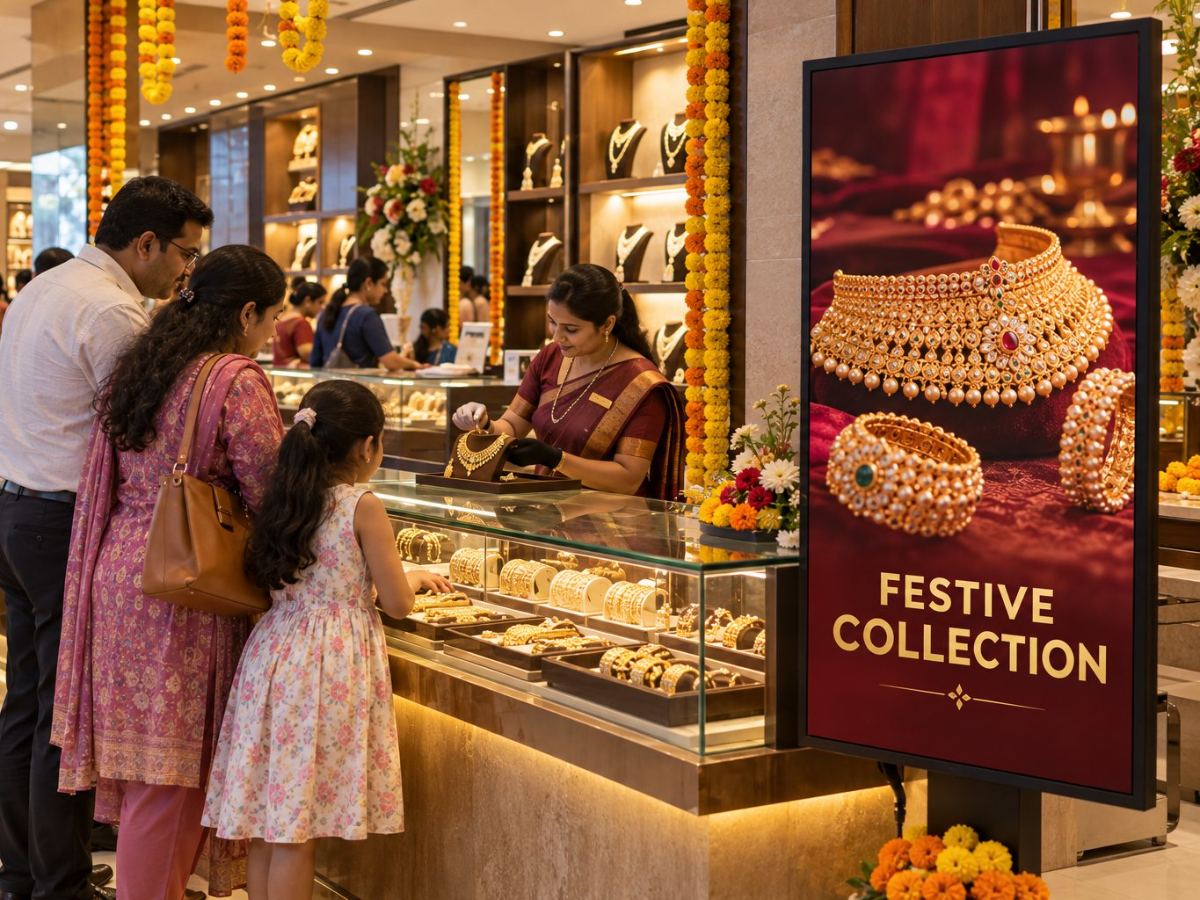
Gold rates and wedding-season offers change daily, but the screens still show last week.

WITH SCREENZAP

Show today’s rates and collection films in every showroom, scheduled for festivals and the wedding season.

See Jewellery →
Fashion and retail chains
03 / 06

Fashion and retail chains

THE PROBLEM

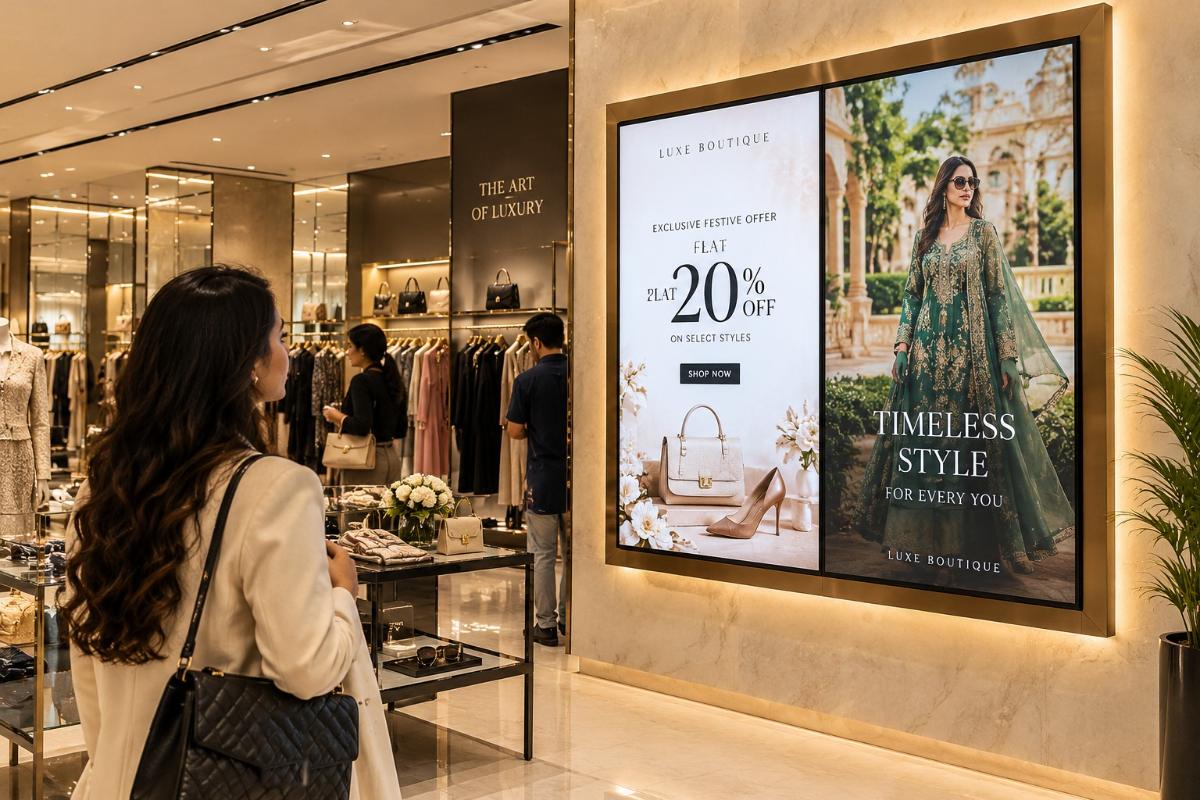
The sale starts today, and half the stores are still playing the old campaign.

WITH SCREENZAP

Schedule the sale once for every store, by city and store format, and it goes live at opening time.

See Fashion and retail →
Banks and BFSI branches
04 / 06

Banks and BFSI branches

THE PROBLEM

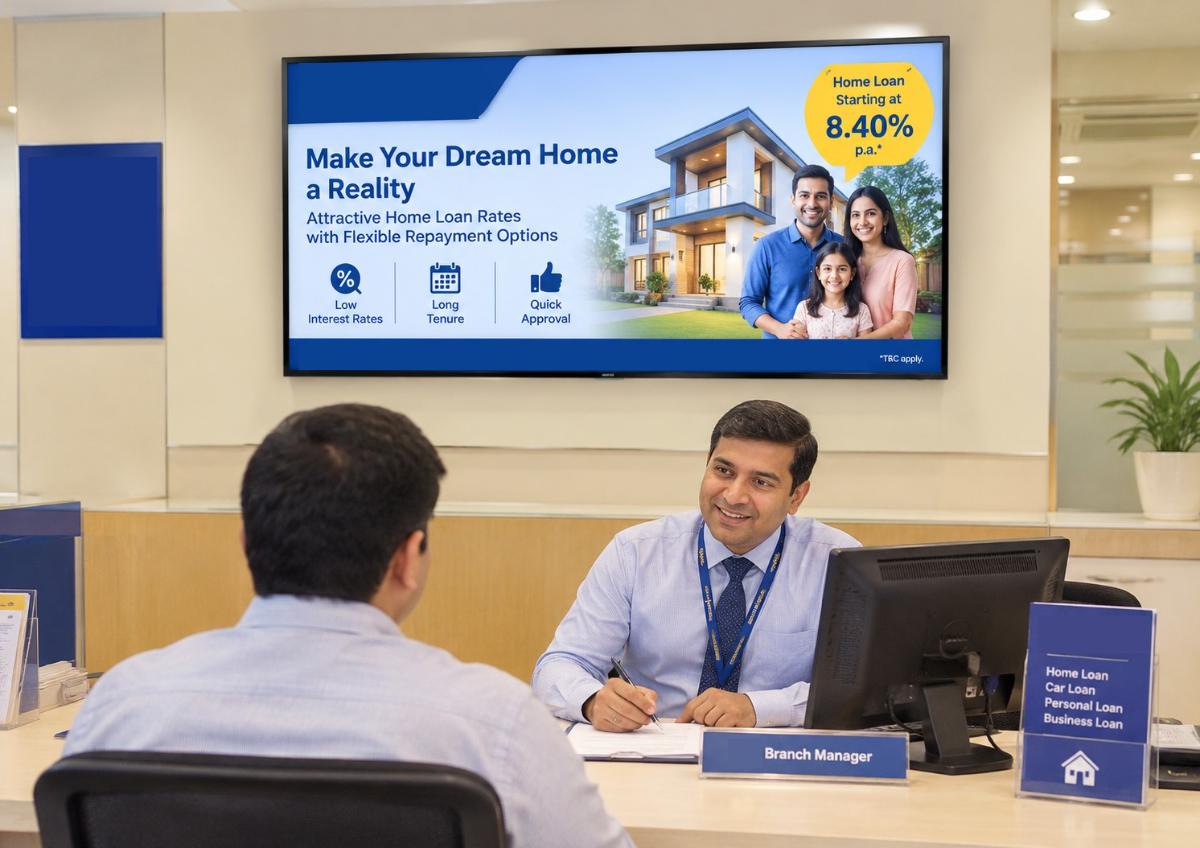
Rate notices must be correct in every branch, and only approved staff should be able to change them.

WITH SCREENZAP

Publish rates and notices from head office with role-based access, and see who uploaded every file.

See Banks and BFSI →
Hospitals and clinic groups
05 / 06

Hospitals and clinic groups

THE PROBLEM

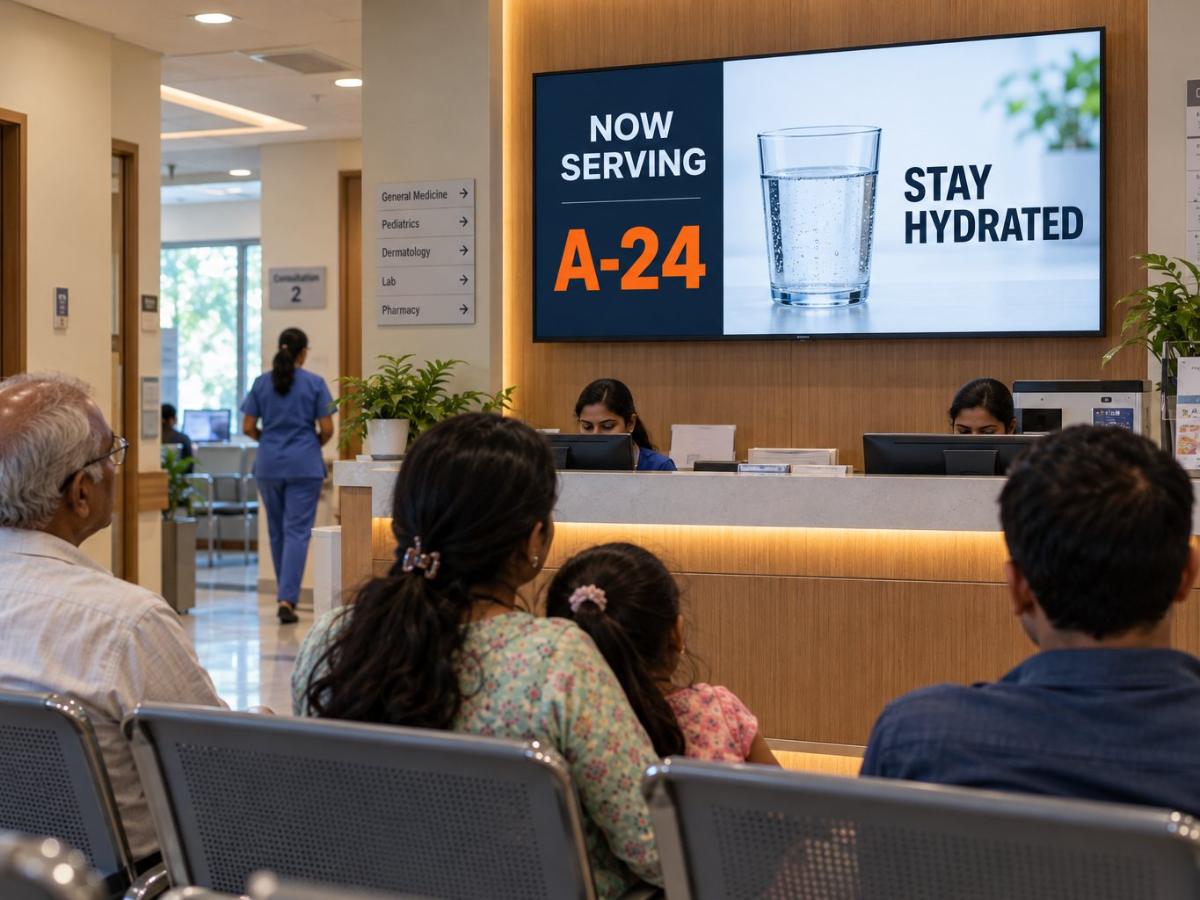
Patients wait without information, and paper notices go out of date.

WITH SCREENZAP

Run wayfinding, doctor schedules and health notices on every floor, controlled by the admin team.

See Hospitals →
Malls and DOOH networks
06 / 06

Malls and DOOH networks

THE PROBLEM

Screen inventory goes unsold because changing ads for each brand takes too long.

WITH SCREENZAP

Schedule brand ads by screen, zone and daypart, and add a ticker for partner offers.

See Malls and DOOH →
Security and trust

Secured like the rest of your IT

Banks, hospitals and enterprise teams review every device on their network. These controls are live in the product today. The full status list is in the trust center.

Visit the trust center
Live

Role-based access

View, create, edit, delete and publish rights per module for every user.

Live

One-time pairing codes

A screen joins your account only with the six-digit code shown on the player.

Live

Encrypted in transit

The dashboard and players connect over HTTPS.

Live

Uploaded-by tracking

Every asset shows who uploaded it and which teams can use it.

Live

Offline playback

Screens keep playing downloaded content when the connection drops.

Live

Audit log

A record of every publish, edit and sign-in across the account.

Done for you

You run the outlets. We run the screens.

Software alone does not roll out a network. Installer partners mount and pair your screens, our team designs your content, and one account manager handles changes and escalations.

Book Free Demo

Screens supplied and installed

Commercial screens, LED walls and digital standees from our hardware partners, mounted and paired at every outlet.

Content designed for you

Menu boards, offers and festive campaigns for Diwali, Navratri, Uttarayan and the wedding season, made in your brand style.

Setup and training

We create your screen groups and schedules, then show your team how to change a price or an offer in under a minute.

WhatsApp support from Surat

Message us for a change or a fix and talk to a person, in English, Gujarati or Hindi.

Channel partners

Selling a screen is a one-time deal. Running it is the business.

For AV integrators, display dealers and media agencies. Integrators who install and walk away compete on price. Partners who manage, refresh and report keep the client, and earn on every screen every month.

MANAGE

Run every client from one place

A separate account for each client, with screens, groups and schedules you control remotely.

REFRESH

Update content without site visits

Change menus, offers and campaigns from the dashboard. No pen drives, no technician trips.

REPORT

Show uptime to the client

Online status, last seen and what is playing now on every screen. Proof-of-play reports are on the roadmap.

OWN IT

White-label under your brand

Your logo, colours and domain on the dashboard, with recurring revenue on every screen you manage.

Runs on Samsung Smart TV LG Smart TV Android TV Google TV Amazon Fire TV Windows mini-PC Any modern browser
Commercials and support

Built to pass procurement

Available

GST invoices, annual billing

Rupee pricing, billed half-yearly or yearly, paid by bank transfer, UPI or card.

On request

Consolidated billing

One invoice across brands, franchisees or legal entities.

On request

Volume pricing

Per-screen pricing for 100 screens and above, agreed in an annual contract.

On request

Dedicated account manager

One named contact for rollout, training and escalations.

On request

Support SLA

Agreed response and resolution times written into your contract.

For your evaluation team: Security and reliability Integrations ROI calculator Compare options
Pricing

Per screen, in rupees, with a GST invoice

Billed yearly. Online training and WhatsApp support from our Surat team come with every plan.

Compare all plans →

Growth

₹399per screen / month

The full content, scheduling and screen-management platform for chains and franchises.

Playlists, channels and scheduling
Screen groups and role-based access
1 GB media storage
Book Free Demo

Professional

Most chosen
₹599per screen / month

For networks that cannot go blank when the internet drops.

Offline playback
Advanced scheduling and custom roles
Up to 3 industry-specific custom developments
Book Free Demo

Enterprise

Custom100+ screens

Volume pricing in our cloud, or a one-time licence on your own servers.

On-premises with no monthly subscription
White-label with your brand and domain
Dedicated account manager and SLA
Enterprise options →
Questions

What multi-location teams ask first

Anything else, ask us directly. We reply within one working day.

[email protected] →
How is ScreenZap priced for a network?
Per screen per month in rupees: Growth at ₹399 and Professional at ₹599, billed yearly with a GST invoice. Networks of 100 or more screens get Enterprise volume pricing on an annual contract, or a one-time on-premises licence.
Can we host ScreenZap on our own servers?
Yes, on Enterprise. We install the full platform on your servers or private cloud on a one-time licence, with no monthly subscription. Your content and screen data stay inside your network.
Do you work with AV integrators and dealers?
Yes. Channel partners manage their clients' screens on ScreenZap, or run it white-label with their own logo, colours and domain, and earn recurring revenue on every screen.
Can head office and outlets have different access?
Yes. Permissions are set per module for every team member, and Professional adds custom roles such as regional manager or outlet manager.
How do you roll out across several cities?
We start with a pilot in 2 to 5 outlets, then add outlets city by city. Each screen pairs with a six-digit code, and we train your team online to set up groups, schedules and content.
What happens if the internet goes down?
On Professional, screens keep playing the content they last downloaded and update again when the connection returns.
Which TVs and players work with ScreenZap?
Samsung, LG and Android smart TVs, Google TV, Amazon Fire TV, Windows mini-PCs and any modern browser. Older TVs work with a low-cost Android media player.
Can I preview content before it goes live?
Yes. Play any playlist or multi-zone channel in the preview before you publish, and open any screen to see what it is playing now.
Can I rotate content for portrait screens?
Yes. Set the rotation for each screen from the dashboard and content plays upright on TVs mounted in portrait, without changing TV settings.
We update outlets with pen drives today. How do we switch?
Pair each screen once, upload the files you already have and publish from the ScreenZap dashboard. Our Surat team trains your staff online.
Use cases and guides

Digital signage use cases for every industry

All insights →
Guides

How to control your business display from your phone

Change the menu, offer or video on your shop TV from your phone, from anywhere. What you need, how to set it up and what to watch out for.
2 Nov 2026 · 5 min read
Guides

Advantages of digital signage software: 8 reasons businesses are moving off print

Faster changes, lower print costs, the right message at the right time and a clear view of every screen. The benefits businesses notice first.
1 Nov 2026 · 7 min read
Industry

How lifestyle campaigns on in-store screens build brand visibility and recall

Why lifestyle films work in stores, how to make them for a screen, where to place them and how to run one campaign across every store.
31 Oct 2026 · 6 min read

Ready to put every screen to work? We are.

Tell us how many outlets and screens you run. We will come back with a rollout plan and pricing.

Book Free DemoFor networks of 10 screens or more. 30 minutes with our team. Talk on WhatsAppReply from a person in Surat, in English, Gujarati or Hindi.