Secure digital signage for banks: a branch rollout checklist
Rate boards, notices and campaigns across every branch, with access control and records your IT and compliance teams will sign off.

Why banks hold signage to a higher bar
A branch screen shows interest rates, charges and regulatory notices to the public. A wrong rate is a compliance issue, and a player on the branch network is a device your IT team must approve. Signage for BFSI has to be correct, controlled and traceable.
1. Decide who can publish
Rates and notices should come from head office only. Branch managers may need to add a local message, but never change a rate. Set rights per module and per action, then assign roles by job: Treasury, Marketing, Branch Manager.
ScreenZap sets permissions per module, and Professional adds custom roles for exactly these titles.
2. Lock pairing to the dashboard
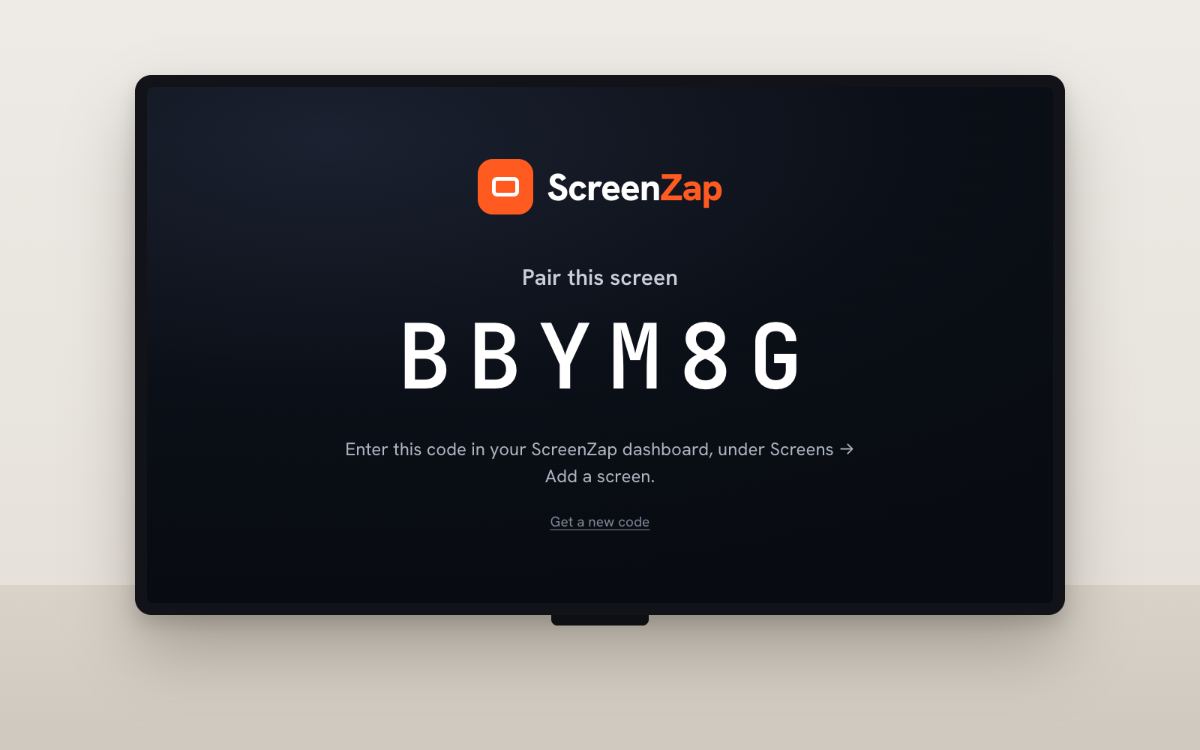
A screen should join your network only when an authorised user adds it. ScreenZap players show a six-digit code that must be entered in the dashboard, so nobody can attach a device from the branch.
3. Keep a record of every change
When an auditor asks who changed a notice and when, the answer should take seconds. The ScreenZap audit log records publishes, edits and sign-ins, and every file shows who uploaded it.
4. Plan for the network
Players need outbound HTTPS only. Ask for the list of domains so your IT team can allow them on the branch firewall, and use a wired connection where you can.
5. Schedule rate changes ahead
Schedule a new rate board to go live at a fixed date and time in every branch. The old board comes down on the same minute, with no branch action.
Paperwork for procurement
Request a completed security questionnaire, a mutual NDA and the network requirements document. ScreenZap provides all three during evaluation.