Every screen is a device on your network
Why signage players belong in your IT policy alongside laptops and POS terminals, and the five rules that keep them secure.

The device nobody owns
Laptops have an IT owner. POS terminals have an IT owner. The player behind the menu board was often installed by a vendor and forgotten. It still sits on your network and shows your brand to the public.
Rule 1: Only the dashboard adds devices
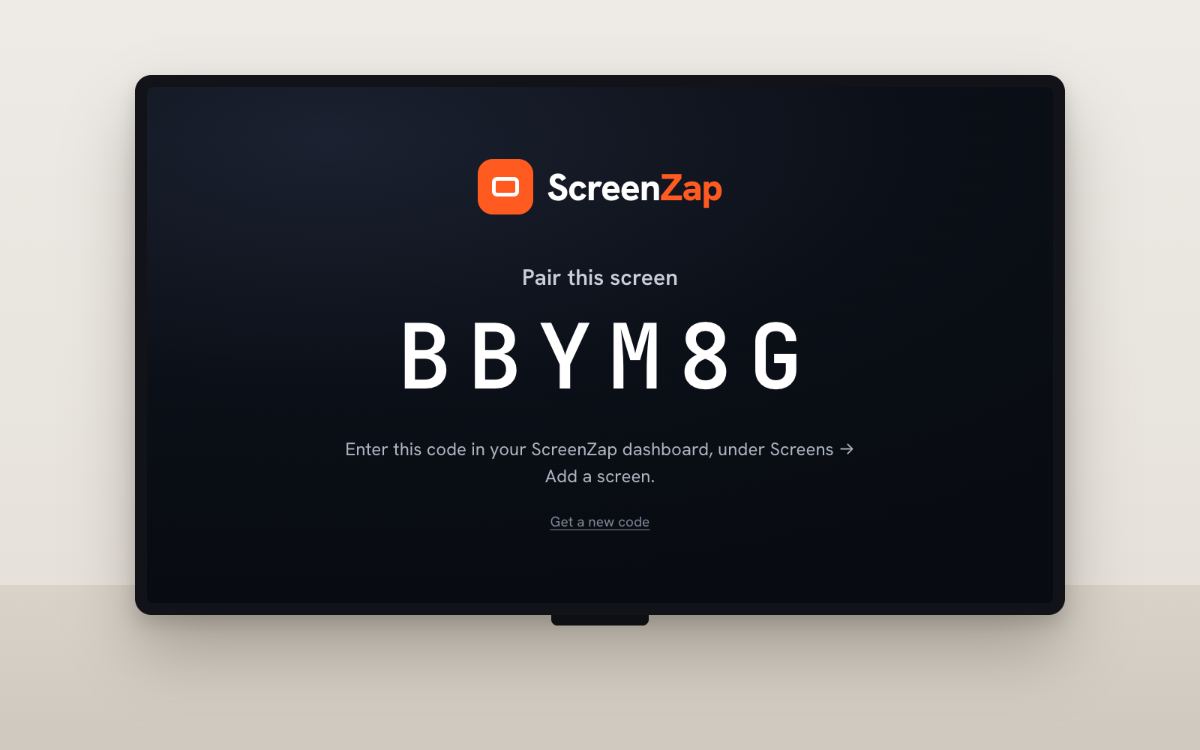
A new screen should join only when an authorised user pairs it. ScreenZap uses one-time pairing codes shown on the player.
Rule 2: Least privilege for people
Give each person rights to the modules and screen groups they need, and no more. Review roles when people change jobs.
Rule 3: Encrypt and limit traffic
Dashboard and player traffic should run over HTTPS, outbound only. Ask the vendor for the list of domains to allow.
Rule 4: Keep a record
Every publish, edit and sign-in should be logged. It is the fastest way to answer who changed a screen.
Rule 5: Know what is online
Check screen health daily. A player that has been offline for a week is either broken or no longer where you think it is.