How to turn a normal TV into a digital signage screen
Use the TV you already have. What you need, how to pair it with ScreenZap and how to keep it running all day.

Can your TV do it?
If your TV runs Android TV, Google TV or Fire TV, it can run the ScreenZap player directly. If it is an older TV with only HDMI ports, plug in a low-cost Android TV box and it becomes a signage screen.
What you need
A TV, a stable internet connection (Wi-Fi or cable) and a free ScreenZap account. You do not need a computer at the outlet.
Step 1: Create your account and upload content
Sign up on ScreenZap, upload your menu, offer images or videos, and click Add Screen.
Step 2: Pair the TV
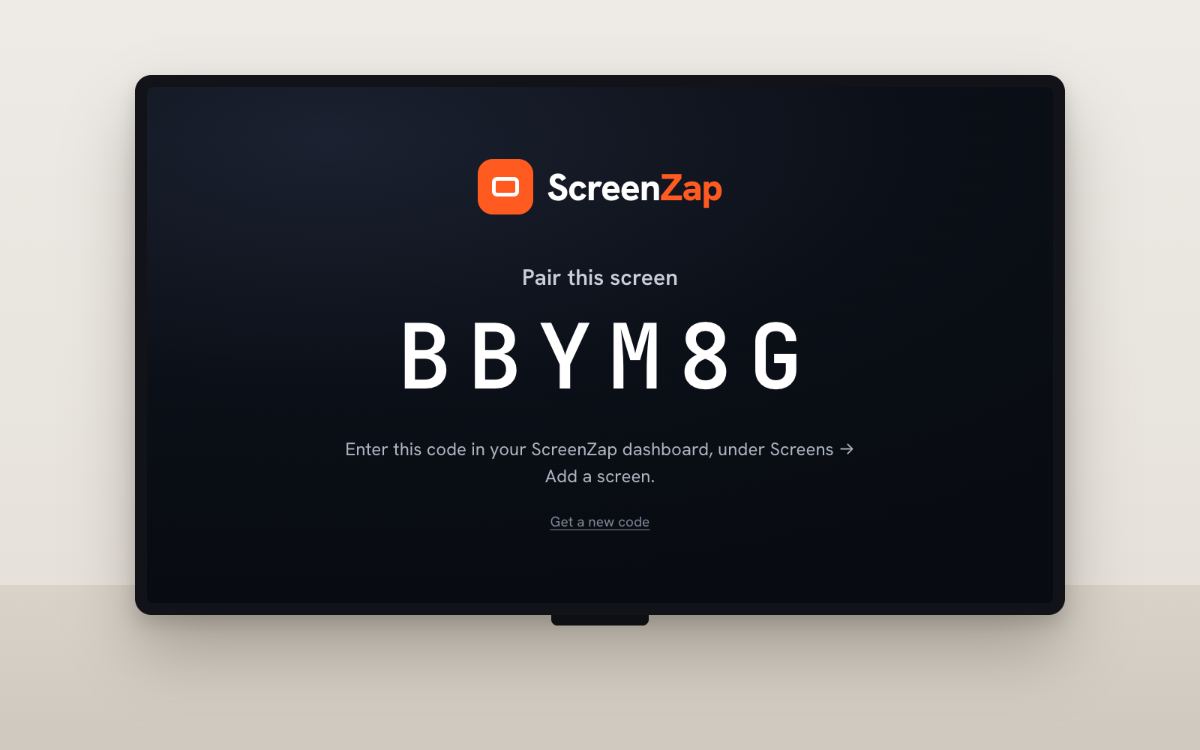
Install the ScreenZap player on the TV, or open app.screenzap.io/pair-screen on its browser. A pairing code appears on the screen. Enter that code in your account.
Step 3: Publish
Choose what the screen should play and publish. From now on, any change you make on your phone shows on the TV within seconds.
Keep it running all day
Turn off the TV’s screensaver and energy-saving sleep mode. Set the TV to switch on with the last input. If the internet drops, ScreenZap keeps playing the content it last downloaded.
Add more screens
Pair more TVs the same way and group them by outlet. ScreenZap is free for one location and up to 2 screens.